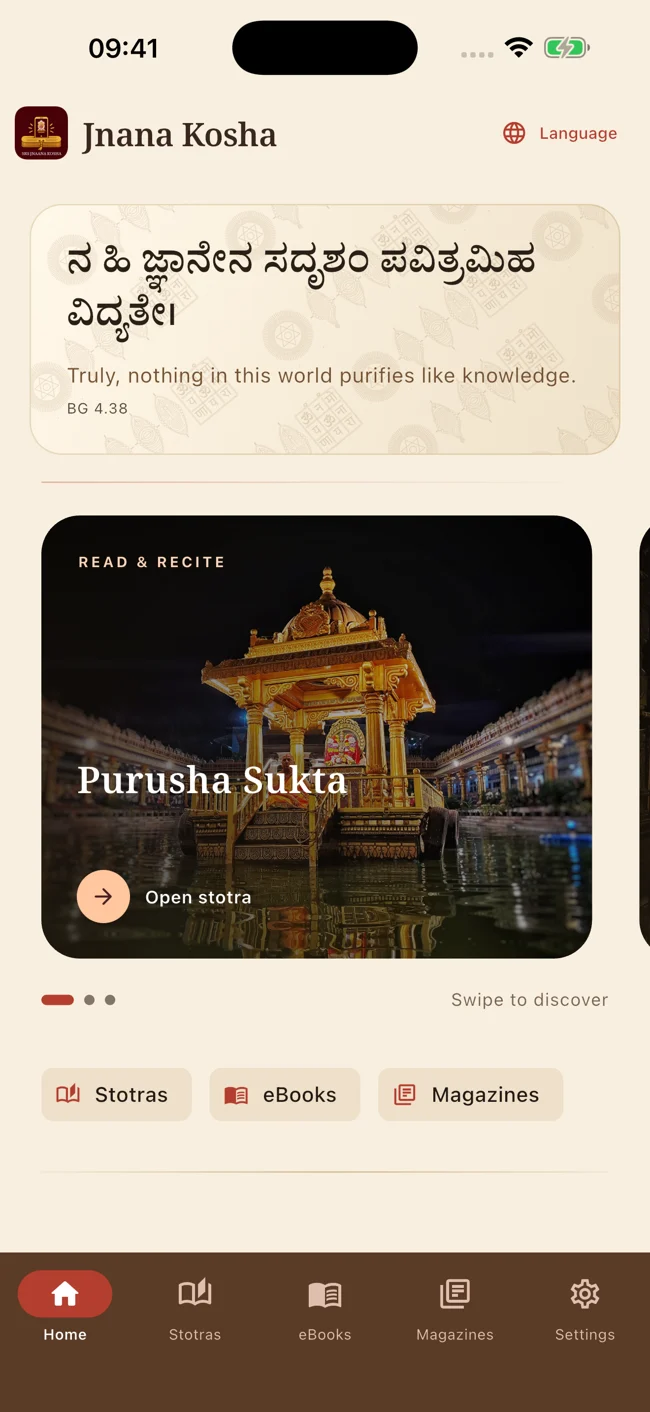
Truly, nothing in this world purifies like knowledge.Bhagavad Gita 4.38
One library. Many ways to spend time.
For the words you return to.
From daily recitation to a quiet afternoon of reading, find a place to begin.
01 / READ & RECITE
Stotras
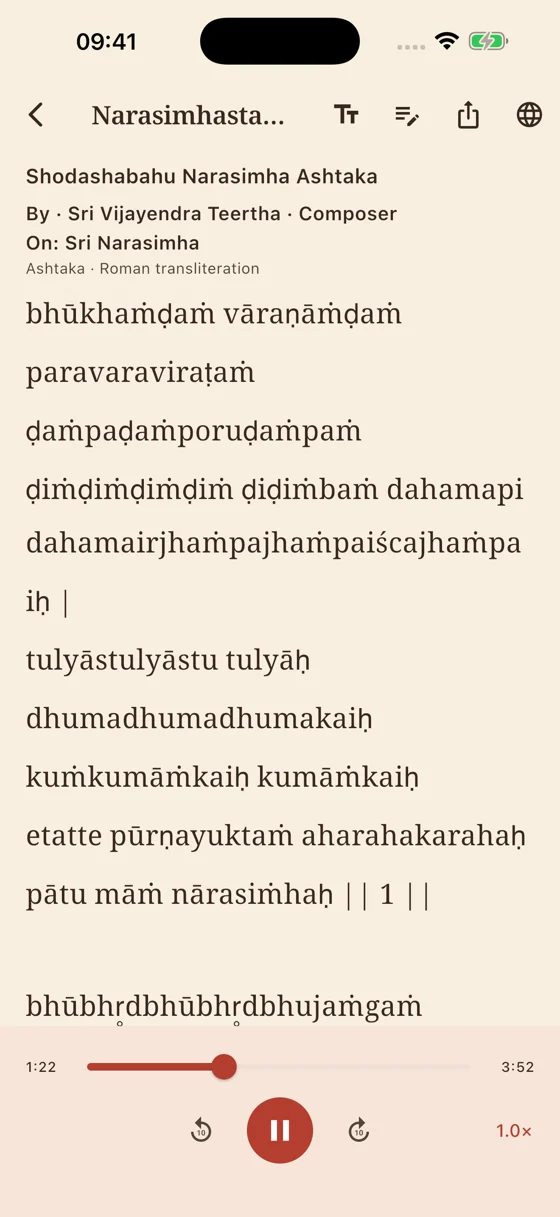
Keep the verse in front of you. Choose from the scripts available for each work, adjust the text size and listen alongside the text when a recitation is available.
Open a book with its original cover and read its available PDF inside the app. Follow an audiobook chapter when a recording accompanies the work.
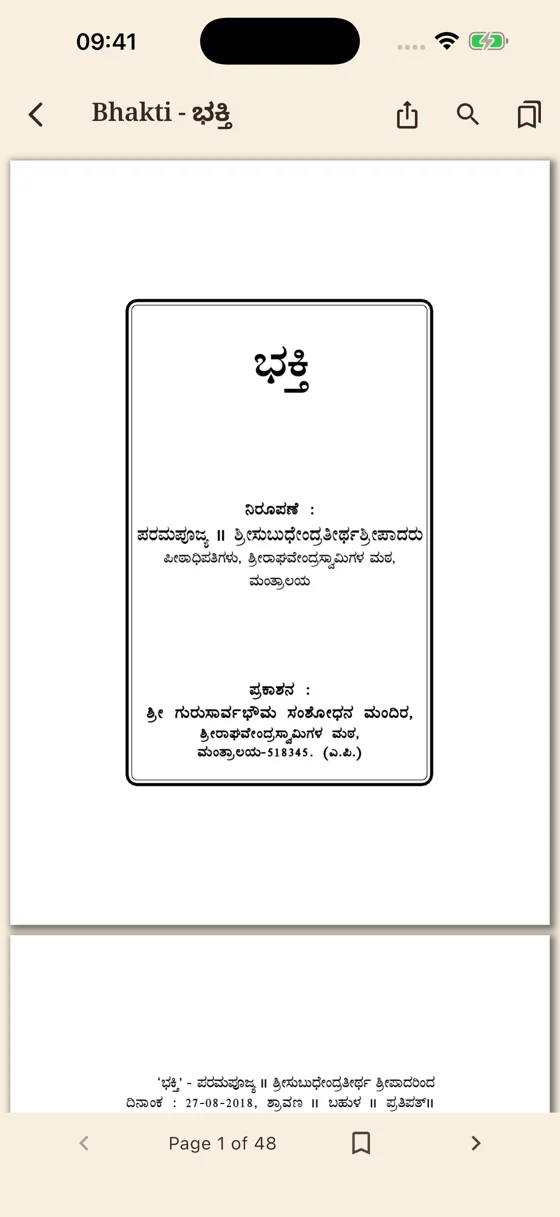
Read PDFs in the built-in reader
Search within a document
Bookmark a page for another day
Return to your saved reading position
03 / READ OR LISTEN
Magazines
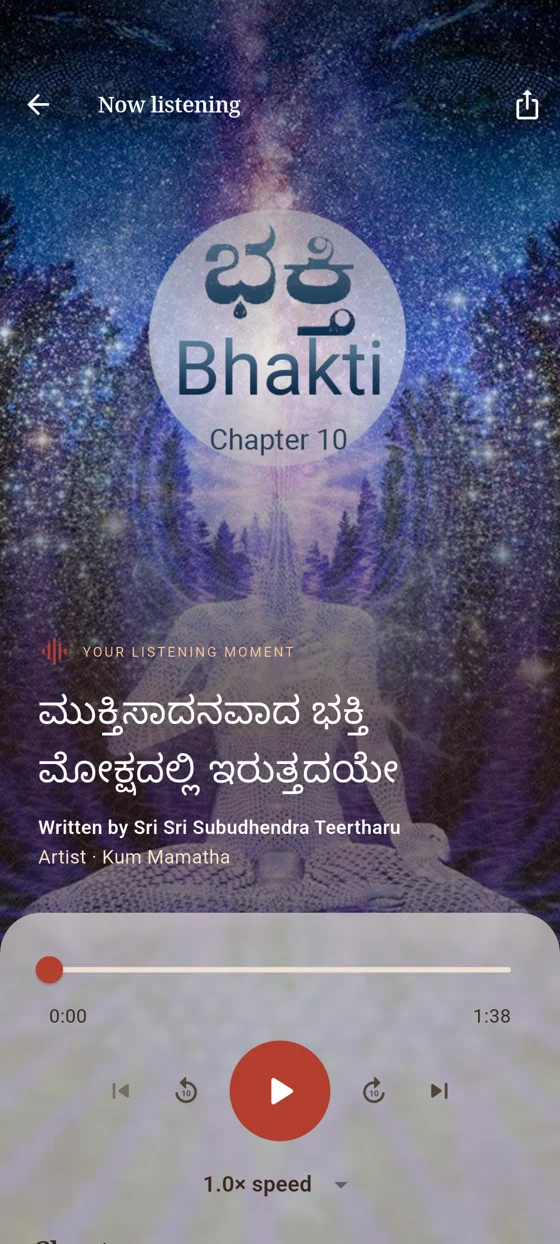
Explore the Matha’s magazine issues, read the available pages, or listen to individual chapters. Authors and recording artists are credited where supplied.
Browse issues and their original covers
Read an issue inside the app
Choose available audio chapters
Pick up where you left off
Texts, scripts, PDFs and recordings vary by work and language. An internet connection is needed to load the library and media.
Made for everyday reading and listening
Make a little room for learning.
THE VERSE COMES FIRST
Read at your own pace.
Clear stotra text, comfortable text sizes and the scripts available for the work. Choose your content language and a light or dark reading atmosphere that suits your day.
Script choicesText sizeLight & dark
A LIBRARY TO LISTEN TO
Let the words travel with you.
Available stotra recitations, audiobook chapters and magazine recordings share familiar playback controls. Seek to a passage, change the speed and resume your listening later.
Background playback and media controls let you keep listening while using your phone.
Seek & replayPlayback speedSaved position
A PAGE WORTH KEEPING
Read, save, return.
Search inside available PDFs, bookmark pages and return to your saved position. The original publication stays at the heart of the reading experience.
Share a reading or listening moment as a screenshot with a recommendation message, using your device’s share options.
PDF searchBookmarksShare a moment
Your library, your choices
Simple to use. Thoughtful by design.
Begin without a reader account. Make the app yours, and help us care for the collection.
Stay in touch with the library
Choose whether to receive notifications about new additions.
Help improve a passage
Send feedback and content corrections directly inside the app. Add a reply email only if you would like the team to respond.
Keep your preferences close
Reading progress, bookmarks, language and appearance are saved on your device.
Choose what you share
Usage reporting and diagnostics are optional and off by default. There is no advertising or cross-app tracking.
ज्ञान
From a Vidya Matha
Knowledge, carried forward.
For centuries, Sri Raghavendra Swamy Matha, Mantralayam, has been known as a Vidya Matha — a centre of learning and scholarship. Jnana Kosha extends that tradition into daily life, bringing its publications and devotional works into one reading and listening library.
The app is free to use, with no reader account, subscription or advertising.
Can I read and listen without an internet connection?
An internet connection is needed to fetch the library, PDFs and recordings. Full offline downloads and cloud synchronisation are not currently provided. Your preferences, bookmarks and resume positions are saved on your device.
Which scripts and languages are available?
Each work shows its available texts, scripts and recordings. The collection includes script choices such as Devanagari, Kannada, Telugu and Roman transliteration where supplied. Availability varies by work.
Are all stotras and publications available as audio?
Audio is available for selected works and chapters. Stotra entries indicate when a recitation is available; publications show their available reading and listening options.
How can I report a mistake?
Use Suggest a correction on a stotra, or the feedback and correction options in Settings. Include the title and relevant passage, page or audio timestamp. You can also contact onlineservices@srsmatha.org.